On your phone
Tap PHONE on the HUD, scan the QR code, and dress from your phone — or type a code at hangersl.com/web on a computer. Works only while your HUD is attached.
HANGER turns your #RLV folder into a closet you can see: every outfit with its picture, worn with a single tap. Save complete looks, sort by your own categories and brands, and change in seconds — without digging through your inventory.
Needs a viewer with RLV or RLVa, such as Firestorm. Which viewers work?
Only what the new piece replaces comes off. Everything else stays.

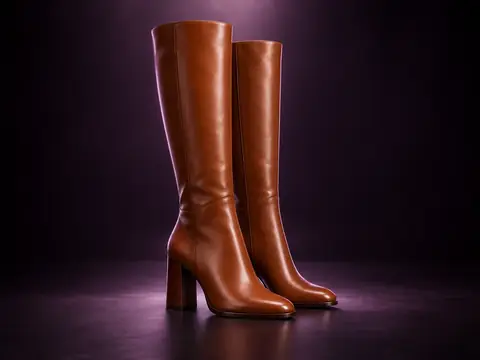


New shoes swap only your shoes · a new top only your top · a whole outfit swaps the outfit
Tap PHONE on the HUD and point your phone camera at the code: your whole wardrobe opens on your phone. Wear, change and plan looks from the sofa while you are in Second Life — the viewer stays free for the scene.
No app, no password. A code works once, and your phone dresses you only while your HUD is attached. On a computer: hangersl.com/web — with the full HANGER it stays open for editing when you are not in Second Life.
One HUD, a few taps, a whole new outfit — no digging through your inventory.
Tap PHONE on the HUD, scan the QR code, and dress from your phone — or type a code at hangersl.com/web on a computer. Works only while your HUD is attached.
Tap ✨ on a product: it picks what goes with it from your wardrobe, looking at the pictures. CREATE A LOOK builds a whole outfit for a night out, a date or the beach; AUTO-TAG sorts a big wardrobe for you. 2 free AI credits a day. The AI can make mistakes — check before you wear.
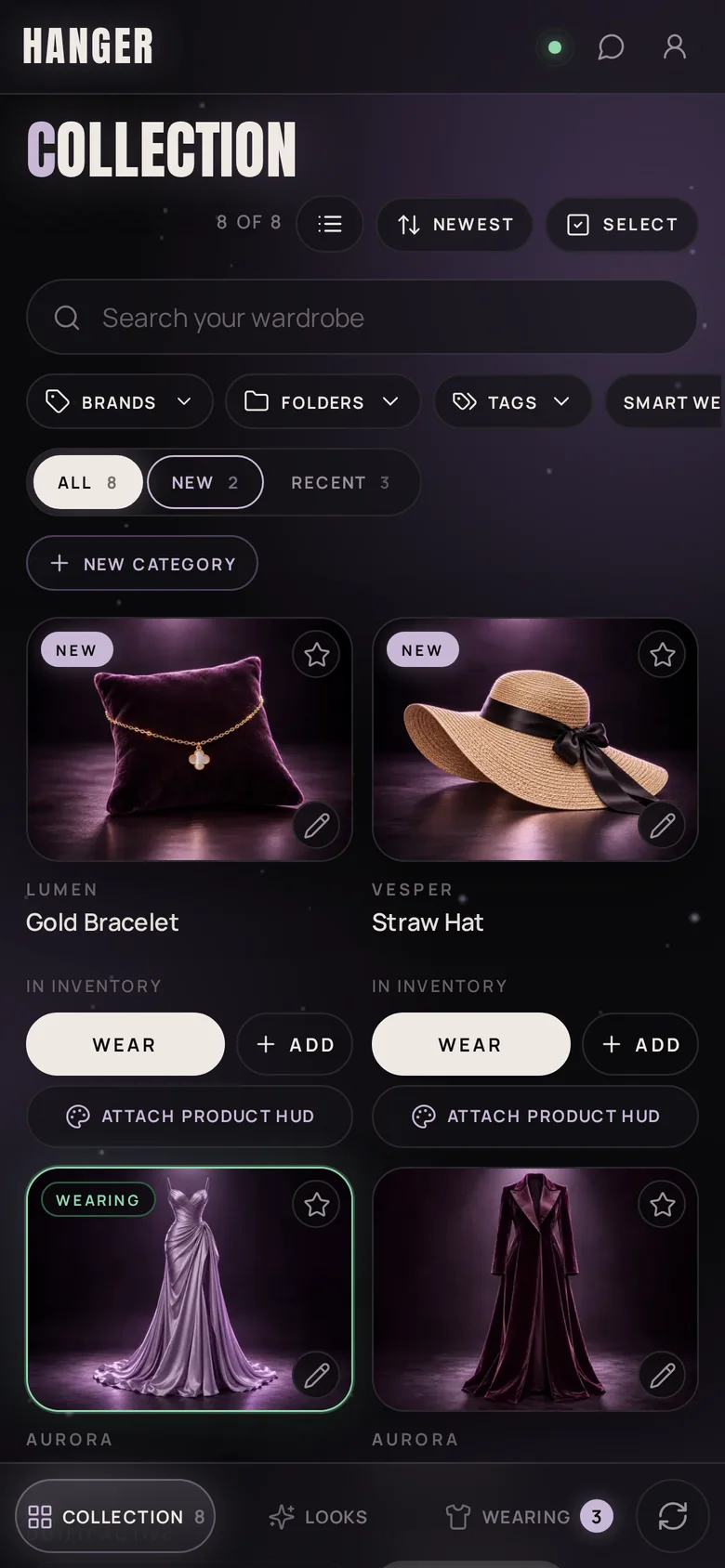
Every product in your HANGER folder (inside #RLV), with its picture. WEAR swaps only what it replaces — a new dress takes off the old one, your earrings stay. + ADD puts it on over what you already wear.
Send a friend a link — they see your wardrobe with its pictures and dress you from anywhere. Or wear the Dress Me: people near you touch it to pick a look or take something off. You choose who; your lock and settings stay yours.
Save a whole outfit — clothes, shoes, jewellery, HUDs — and wear it again in one tap. Give each look a tall photo, and update it to what you have on any time.
Sort it your way: your own categories, as many tags as you like (#night, #black), and your folders as sub-categories — Tops ▸ Bras. Filter by brand, tag or folder.
Covers come from the product’s Marketplace listing by themselves. Or pick one in a tap, paste a Gyazo link or a texture UUID, or upload a photo — it is resized for you. The store button on a cover opens the listing.
Colour and texture HUDs attach and detach with a button next to the outfit they belong to.
Size, make-small and close are right on the screen. Tap ⤡ and the HUD becomes one small HANGER button that keeps your view clear — tap it to bring it back. Or make the whole HUD 70–150% big.
Attach or detach something by hand and the wardrobe knows — the screen updates live, no refreshing.
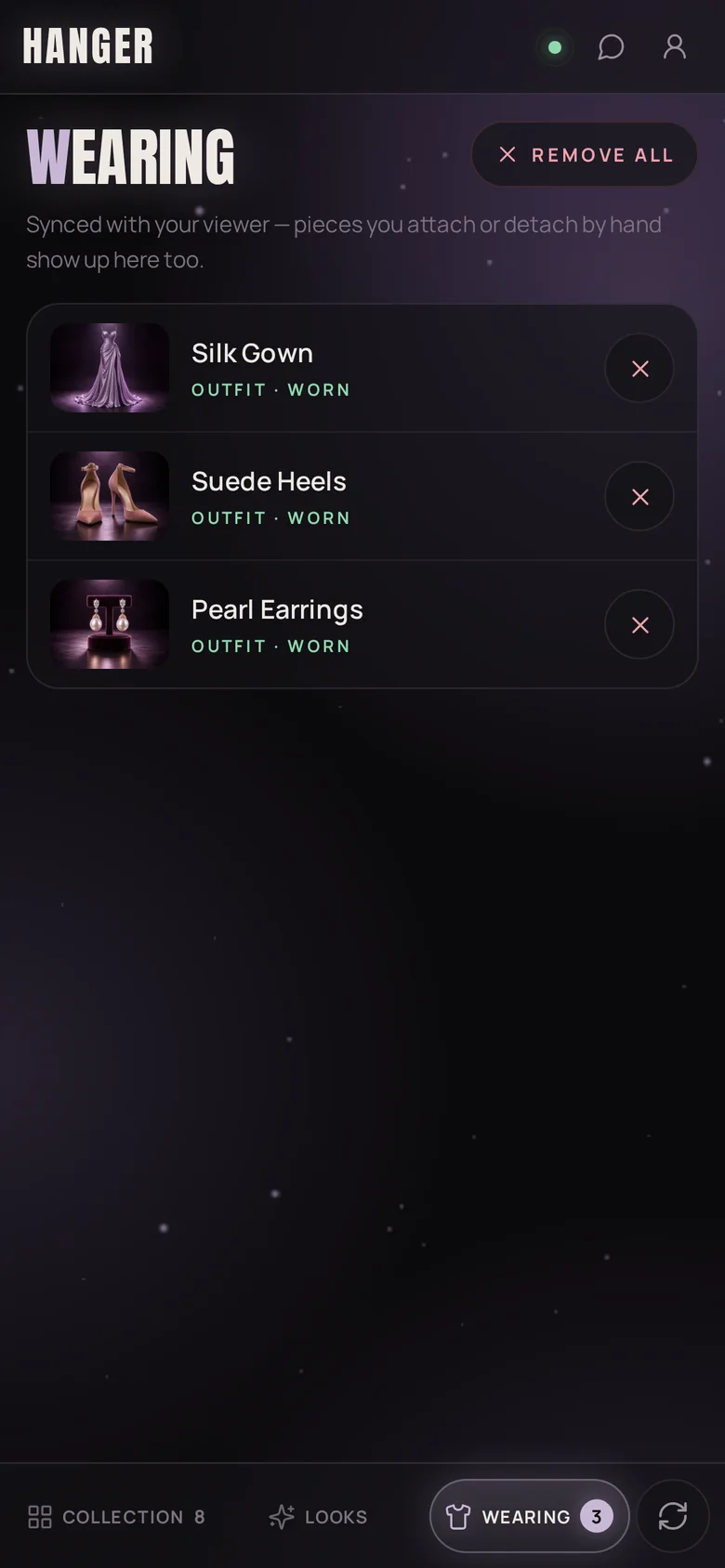
WEARING lists the pieces of each outfit you have on — top, skirt, heels, jewellery — by their real names. Take off a single piece with ×, or TAKE OFF your top, shoes or jewellery in one tap — hair and body stay.
It keeps your avatar name, your #RLV folder names, the names of what you wear, your settings and the pictures you add — never your items, chat or L$. Privacy
Changed your mind? UNDO puts back exactly what you had on — for 10 minutes after any change.
LOCK OUTFIT keeps what you wear on, so a stray script or a misclick can’t take it off.
See the alphas, tattoos and other system layers you wear, and take one off with a tap.
Search names and #tags as you type — "exact phrases", -leave out, or this week. Sort by newest or A–Z, filter by brand, tag or folder. ★ favourites, RECENT and NEW keep the best at hand.
Buy HANGER and wear it instead of the demo: your products, looks and pictures stay exactly as they are.
HANGER dresses you through RLV, a feature of some Second Life viewers. Without it, the HUD cannot put clothes on you.
Firestorm (tested and recommended), with RLVa turned on.
GET THE LATEST FIRESTORMOther RLV/RLVa viewers such as Alchemy, Catznip, Cool VL Viewer and Kokua have the same feature and should work too.
The official Second Life viewer, the Second Life mobile app and browser-based viewers. They have no RLV, so the HUD cannot dress you.
You also need media turned on (the HUD screen is a web page) and your outfits in a folder named HANGER inside #RLV. The setup film shows both.
Buy HANGER on the Second Life Marketplace, or try the free demo first (on the Marketplace, or at the HANGER terminal: DEMO). It arrives in your inventory.
GET HANGER · L$699 FREE DEMOTwo options in your viewer (in Firestorm: Preferences) let the HUD show its screen and dress you. Then right-click the HUD ▸ Add — it connects by itself. The 3-minute film shows every click.
WATCH THE 3-MINUTE SETUPMake a folder named HANGER inside your #RLV folder and copy each product’s folder into it — one outfit per folder. HANGER reads only this folder, so other items’ #RLV folders stay out. They appear on the HUD within seconds: tap WEAR.
SHOW ME HOWSponsored cards appear right inside the wardrobes of people who love fashion — one tap takes them to your Marketplace page or your store.